All posts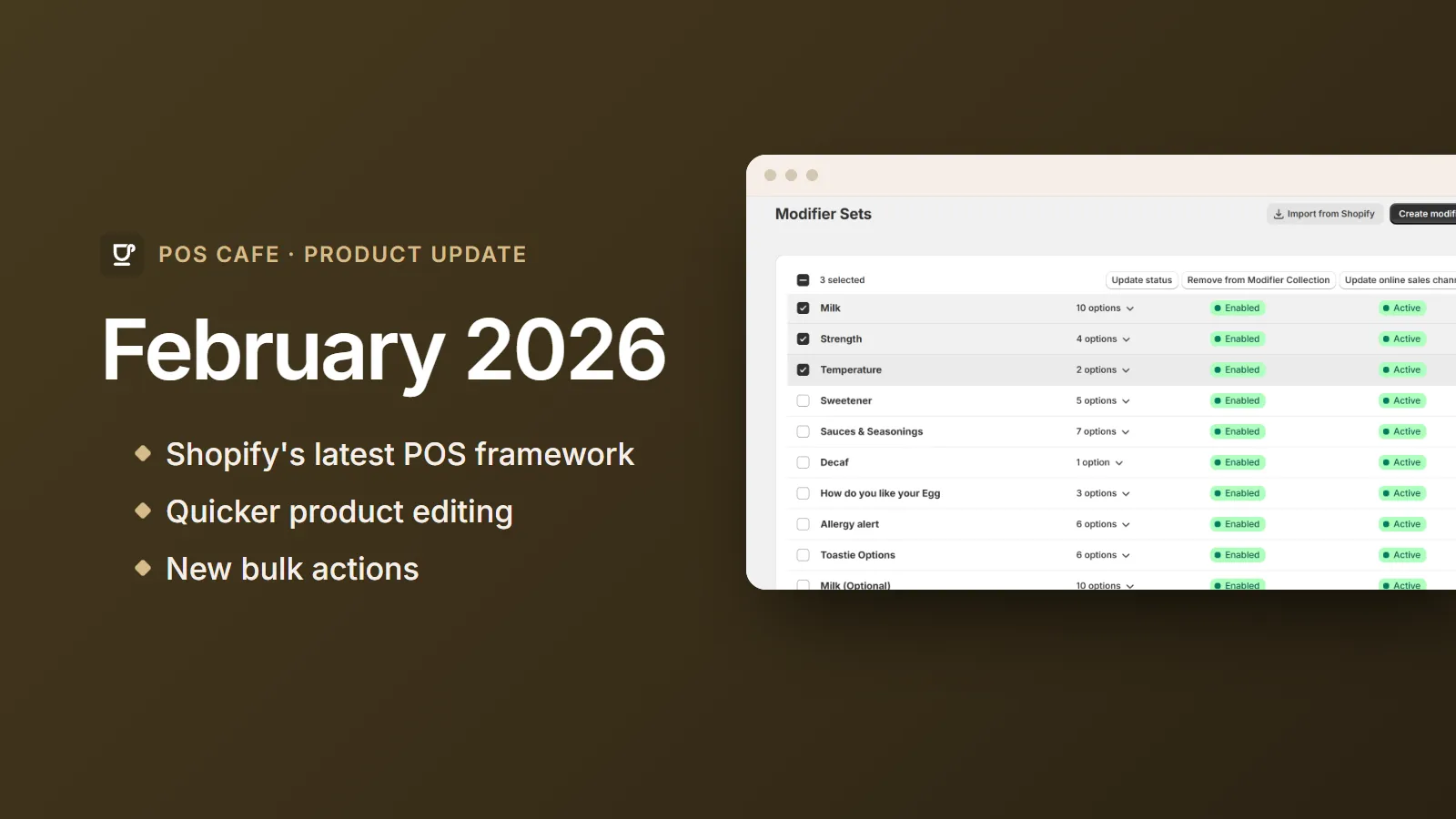 See every change in the February 2026 changelogSmaller improvements and fixes are listed there too.
Product update· 1 min read
POS Cafe Product Update - February 2026
The POS Cafe tile moves to Shopify's latest POS framework, and the admin gains quicker product editing, new bulk actions and safety warnings.
February brought a modern foundation for the POS Cafe tile and a set of time-savers in the POS Cafe admin.
The POS Cafe tile, on Shopify’s latest framework
The POS Cafe tile now runs on Shopify’s 2025-10 POS UI extensions framework. We also moved it to a lighter, modern toolkit built on Shopify’s own Polaris web components, so the tile feels faster and more at home inside Shopify POS.
Admin improvements
- Edit products and collections from POS Cafe. New links take you straight to the matching product or collection in Shopify, so you can update it without hunting through your admin.
- Remove from Modifier Collection. A new bulk action on the Modifiers page removes several modifiers from a collection in one go. See Assigning Modifiers & Prep Areas.
- Safer deleting. The Delete bulk action now warns you first, to help prevent accidentally deleting modifier products.
- Better on smaller screens. The Cafe Collection Products page now works better on tablets and phones.
- Modifier Set page fixes. We fixed an issue that could stop the Modifier Set page from loading properly.
Under the hood
POS Cafe now uses Shopify’s newer way of defining the custom data behind your menu, which makes that data more reliable. We also updated our backend platform and fixed a long list of smaller bugs.