POS Cafe Product Update - September 2026
Send orders to the kitchen before payment with the new Send to prep tile, print from Shopify POS, offer self-service kiosks with Cloudshelf, ask Drive Thru customers for their vehicle, and keep sold-out items off your menus automatically.
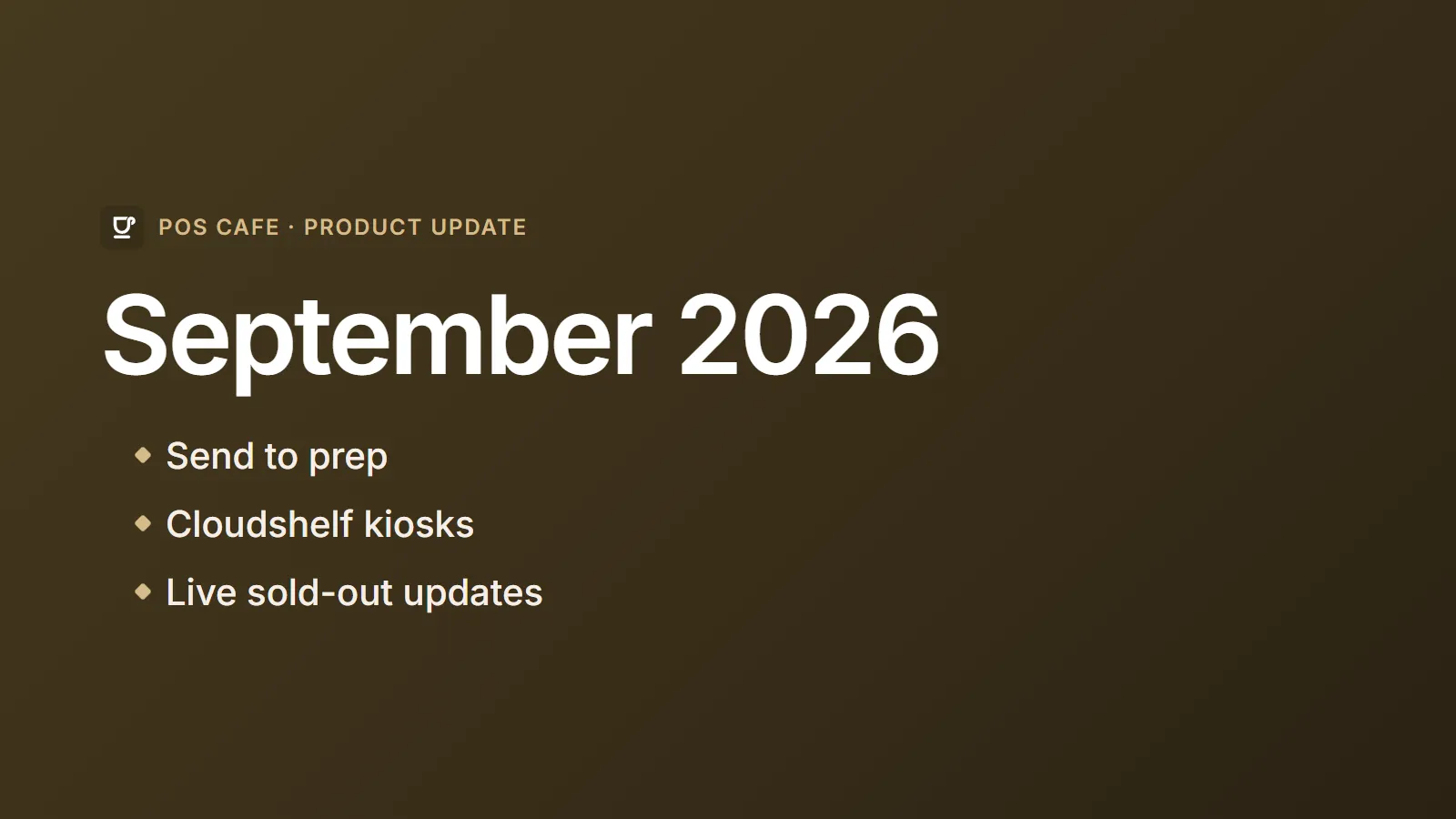
September brought some of the features cafes ask for most: sending orders to prep before payment, printing from Shopify POS, a redesigned printers page, vehicle details for Drive Thru, self-service kiosks, and menus that keep up with what’s sold out.
Send to prep
The new Send to prep tile lets staff send the items in the current Shopify POS order to your printers and Fresh KDS before the customer pays. It’s ideal for table service and open tabs: send the first round to the kitchen now, keep adding to the order, and take payment at the end.
- Only what’s new. When you send again, or when the customer pays, only new or changed items go to prep.
- Clear tickets. Prep tickets show the table and any cart notes, so the kitchen knows exactly where each order is going.
- Never a missed ticket. If POS Cafe can’t confirm what was already sent, it prints the order anyway. A repeated ticket is far better than a missing one.
Since launch, the tile has become clearer too. It tells staff what it’s doing and what to do next, Check printer setup again picks up printer changes without leaving POS, and orders can be re-sent to prep after checkout.
To add it, tap Add tile on the Shopify POS home screen, choose POS Cafe, then choose Send to prep.
Printing from Shopify POS
Already have a printer connected to Shopify POS? The new Shopify POS (Printing API) printer type lets POS Cafe print through it. Send to prep tickets and order tickets for sales made on that device print straight from Shopify POS, with no print server to set up. It needs Shopify POS 11.11.0 or later. Set up Shopify POS printing.
A new Receipt printers page
The Receipt printers page has been redesigned:
- Everything in one place. Add Epson and Star printers with Add printer, and see a summary of each location’s printers at the top.
- Clear status. Badges show at a glance which printers are connected, paused or need attention.
- Pause and resume. Pause a printer while it’s out of paper or being moved. New orders don’t print on it while it’s paused; tickets that were already waiting print when you resume, if they’re less than a day old. You can also clear waiting tickets at any time.
Vehicle details for Drive Thru and Curbside
Online customers who choose Drive Thru or Curbside can now add their vehicle make, model and colour. Both fields are optional, and tickets print a large, bold line such as “Vehicle: Blue Toyota Corolla”, so staff can walk the order straight to the right car. The details go to Fresh KDS too.
It’s on by default at every location that offers Drive Thru or Curbside online. To turn it off, open the location in POS Cafe and switch off Ask for vehicle details under Order Types. Learn more.
Cloudshelf kiosks
POS Cafe now works with Cloudshelf, a Shopify sales channel app for self-service kiosks. Kiosks show each location’s POS Cafe menu with its modifiers, and kiosk orders print or appear on Fresh KDS at the right prep areas, just like counter and online orders. Follow the Cloudshelf setup guide.
Live sold-out updates
A new optional setting, Live menu data and sold-out updates, keeps online ordering and Cloudshelf kiosks in step with your stock:
- Items that sell out at a location stop selling there within seconds.
- Items that are back in stock return within about 15 minutes.
- The whole list is rebuilt every time your menu is published, and automatically every day or two.
Turn it on in Settings → General Online Ordering Settings or Settings → Integrations → Cloudshelf. See how it works.
Also this month
- Variant details on tickets. Descriptions for native Shopify variants now appear on receipts and Fresh KDS.
- Menu publishing warnings. Location settings pages now warn you if a menu update doesn’t publish, so you can try again straight away.
- Healthier menus. Behind the scenes, we now check published online and kiosk menus regularly and repair out-of-date menu data automatically.
- Theme fix. We fixed a styling clash between the online ordering product window and some Shopify themes.