POS Cafe Product Update - June 2026
The all-new Online Ordering is here, along with table management, QR table ordering and translations for the POS Cafe tile.
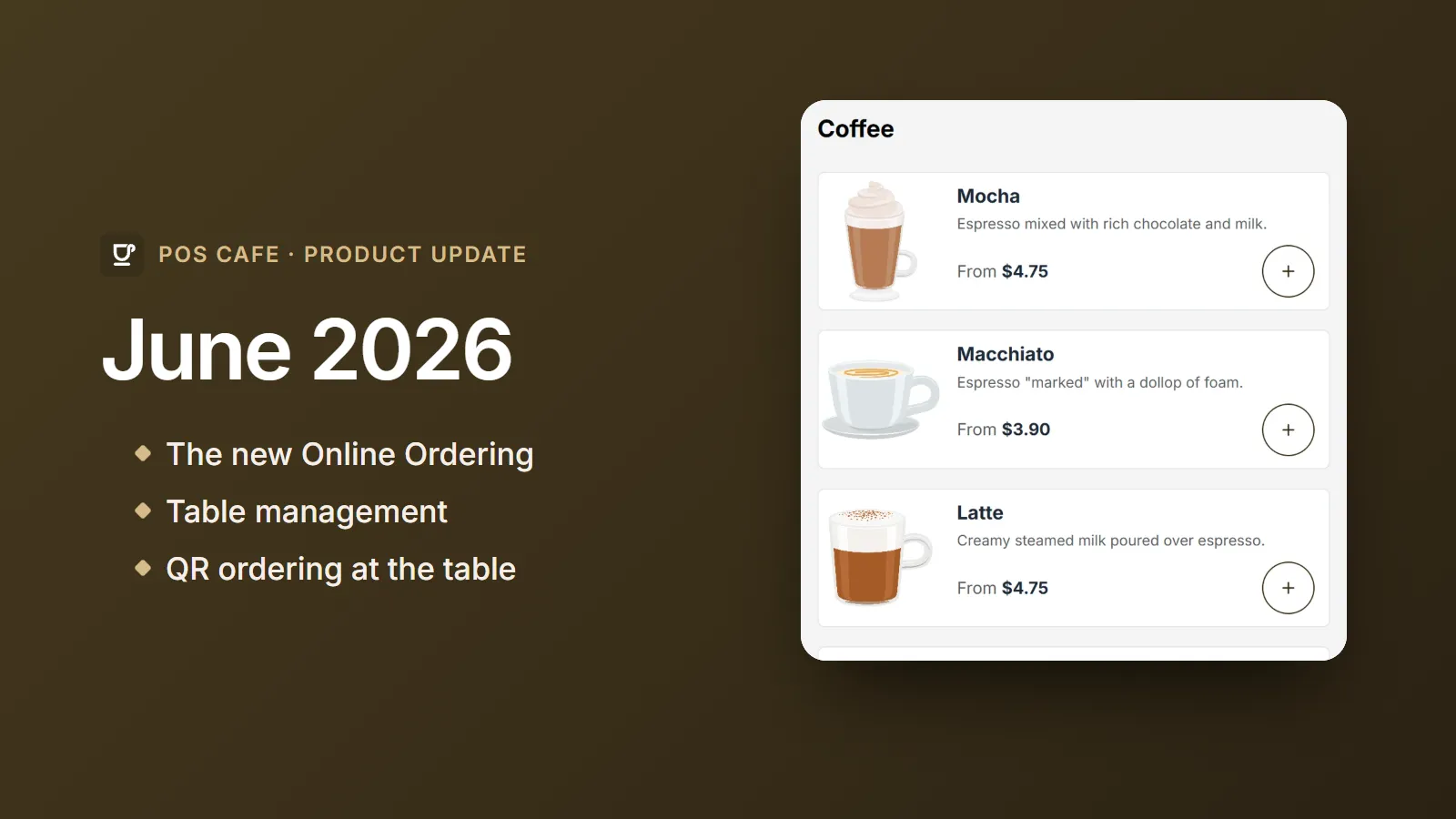
June was a milestone. The all-new Online Ordering we previewed in March is now available, and it arrived alongside table management and QR ordering at the table.
The new Online Ordering
We rebuilt Online Ordering on Shopify’s Storefront API, so your menu is always live and correct:
- Live prices and currencies. Customers see up-to-date prices in the right currency for their market.
- Live availability. Sold-out items are hidden or marked at each location.
- Menu status at a glance. A new card and per-location indicator show whether each location’s menu is live, so you always know what customers can see.
- A polished mobile experience. Larger tap targets, cleaner product cards, a clearer close button and a smoother add to cart.
- Your words, your language. Translate or reword the menu’s labels and buttons without any code. See Translations.
- Order Types. The menu respects each location’s default order type.
New to Online Ordering? Start with Getting started.
Table management
- Dining areas and tables. Organise each location into dining areas and tables.
- Assign tables in Shopify POS. A new table bar on the browse and customise screens, and a Tables button in the POS Cafe tile, attach an order to the right table.
- Open tabs you can tell apart. An optional setting for each area adds the table to Shopify POS draft orders.
See Table management.
QR ordering at the table
Every table has its own online ordering link and QR code. Customers scan it and land on your menu, already set to the right location and table (shown as “Area - Table”, just like in Shopify POS). See QR codes and table ordering.
Translate the POS Cafe tile
Translate any text in the POS Cafe tile, or reword it to match your cafe’s own terms, from POS Extension Translations. No code required. See POS Cafe tile translations.
Also this month
- Bulk modifier assignment. Assign modifier sets to products in bulk from Cafe Collections, with clearer setup hints.
- Unsaved-changes prompts. Settings and location pages now warn you before you navigate away from unsaved edits.
- Fresh KDS. More reliable syncing during service.