
Network & Connectivity Issues
Seeing the POS Cafe page fail to load inside Shopify admin, but it works perfectly on a different network or a phone hotspot? That means the app and Shopify are fine: something on the store’s network is interrupting HTTPS. This guide explains what’s happening and how to fix it quickly.
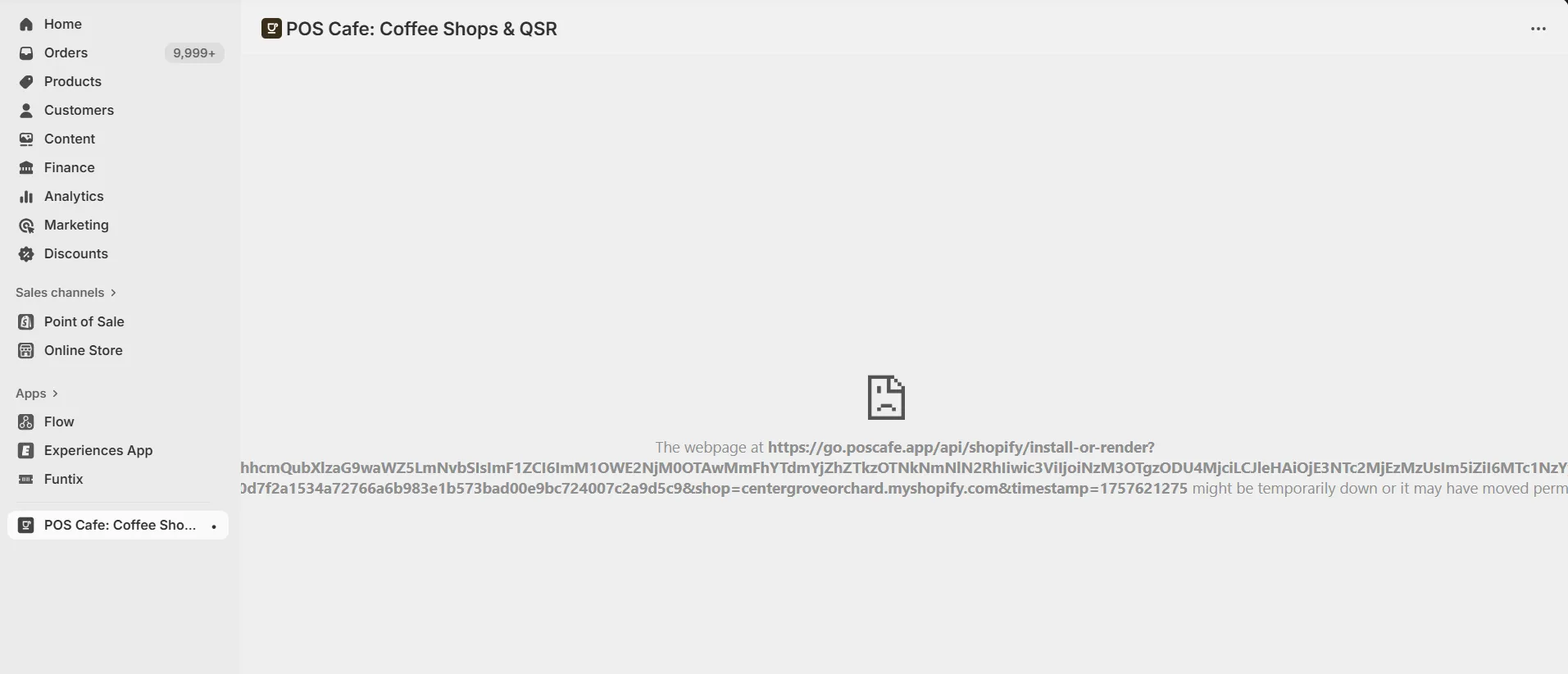 Example error shown when the browser cannot complete a secure connection from the store’s network.
What this error really means
Section titled “What this error really means”The Chrome message you’re seeing appears when the HTTPS connection to go.poscafe.app is being blocked, reset, or “black-holed” by something on the path (usually the local router, firewall, or a filtering proxy). A successful ping only proves DNS + ICMP are okay; it does not prove that TCP/TLS on port 443 works.
Most likely causes (and quick fixes)
Section titled “Most likely causes (and quick fixes)”1. Path-MTU / MSS “black-hole” on the router or firewall
Section titled “1. Path-MTU / MSS “black-hole” on the router or firewall”- Symptoms: Some HTTPS sites (especially with larger TLS records) hang;
pingworks. - Test (Windows):
ping go.poscafe.app -f -l 1472and step down until it succeeds. - Fix: Enable MSS clamping on the WAN interface (e.g., 1452 for PPPoE; ~1360 for certain VPNs) or reduce WAN MTU.
2. SSL/TLS inspection or web filtering
Section titled “2. SSL/TLS inspection or web filtering”- Symptoms: Loads on guest/hotspot; fails on staff VLAN.
- Test: Temporarily bypass the filter or add an allowlist entry.
- Fix: Disable SSL inspection for the domains below or allowlist them.
3. Proxy/device limits on URL length
Section titled “3. Proxy/device limits on URL length”- Symptoms: Short URLs load; long
/install-or-render?...URLs fail. - Test: Visit
https://go.poscafe.app/(short) vs. the long embedded-app URL. - Fix: Raise URL/query length limits or bypass the proxy for our domain.
4. IPv6 or QUIC/HTTP-3 quirks
Section titled “4. IPv6 or QUIC/HTTP-3 quirks”- Test: Force IPv4 with
curl -4 -I https://go.poscafe.app; temporarily disable QUIC on the firewall and retry. - Fix: Prefer IPv4 for this destination or correct v6 routing; ensure UDP/443 isn’t being intercepted in a way that breaks fallback.
5. Security reputation block on the site’s public IP
Section titled “5. Security reputation block on the site’s public IP”- Test: Load the app on a phone using cellular data (Wi-Fi off). If that works, share your public IP with us.
- Fix: We can review/allowlist your IP on our edge if needed.
Fast troubleshooting checklist
Section titled “Fast troubleshooting checklist”-
Open Chrome DevTools → Network → reload. Click the top Document request and note the exact error (e.g.,
ERR_CONNECTION_RESET,ERR_SSL_PROTOCOL_ERROR). -
From a laptop on the store network, run:
Terminal window nslookup go.poscafe.appcurl -I https://go.poscafe.appcurl -4 -I https://go.poscafe.app -
MTU test (Windows):
Terminal window ping go.poscafe.app -f -l 1472If it fails, reduce the size (e.g., 1460, 1452…) until it succeeds, then set MSS clamping accordingly on the router.
-
Temporarily bypass any web filter/SSL inspection (or try a guest SSID/VLAN). If the app loads, add an allowlist.
-
Try the same device on a phone hotspot. If that works, it confirms a site network issue, not the device.
Allowlist (no SSL inspection)
Section titled “Allowlist (no SSL inspection)”Add these to your firewall/proxy allowlist and exempt them from SSL interception:
*.poscafe.app(especiallygo.poscafe.app)*.shopify.com,*.myshopify.com*.shopifycdn.com,cdn.shopify.com
Ping works, so why won’t the page load?
Section titled “Ping works, so why won’t the page load?”Ping uses ICMP and tiny packets; your browser uses TCP 443 with TLS. Firewalls can pass ICMP but block or break large HTTPS packets (MTU/MSS issues) or decrypt/deny TLS (SSL inspection).
Is this a POS Cafe outage?
Section titled “Is this a POS Cafe outage?”If the app loads elsewhere, it’s not an outage; it’s the local network path. The fixes above resolve it in nearly all cases.